


DCImanager has a new feature – network diagram. It allows you to visualize the topology of equipment connections and quickly assess the state of the network infrastructure.
The connection map is built based on connection data from equipment cards. The administrator can switch between different display layers. For example, check the equipment in a specific VLAN, view the overall switch connectivity topology, or display only the BMC or PDU managing connections.
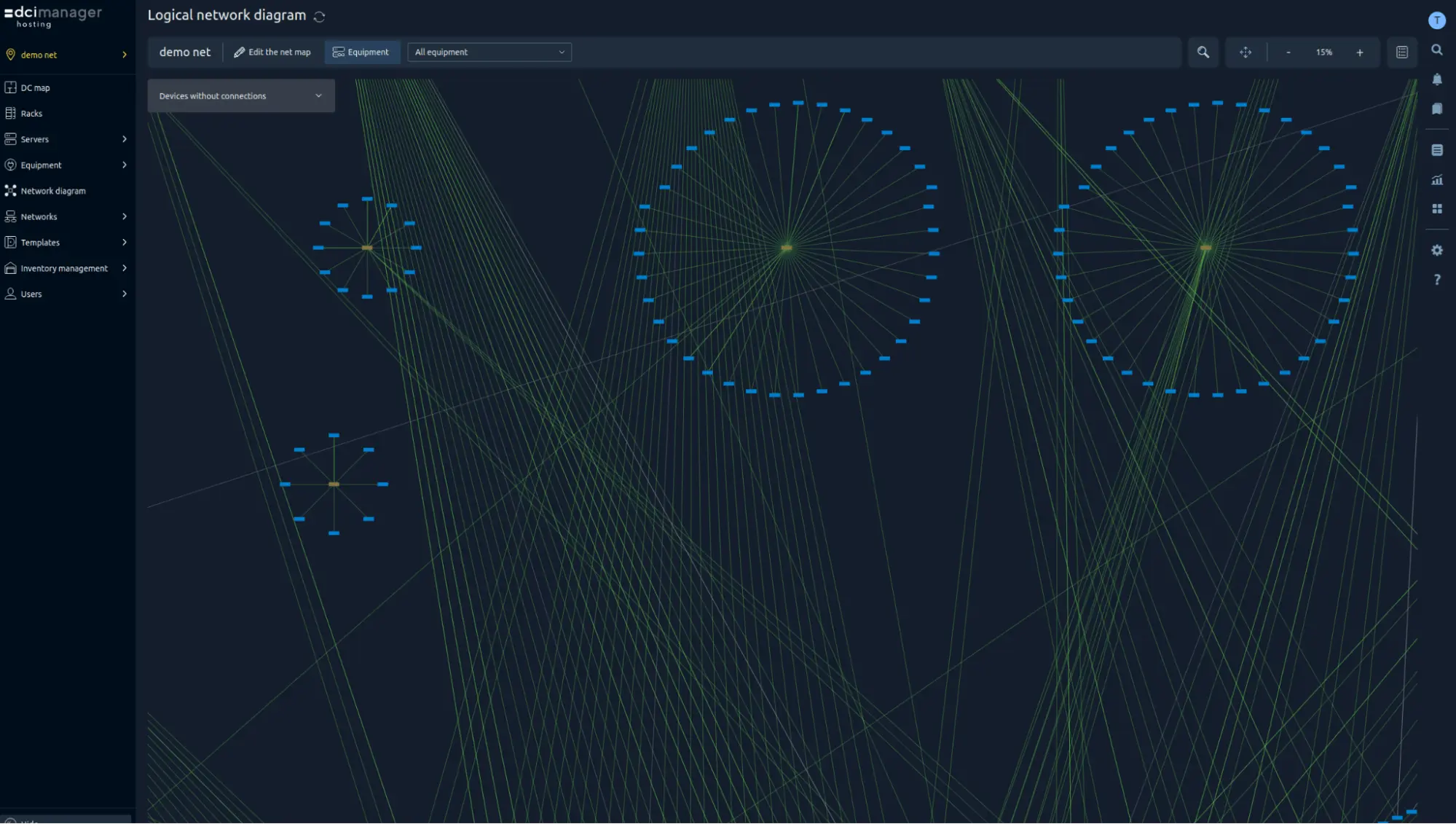
This approach allows for faster identification of connectivity issues and localization of areas requiring diagnostics.
Network connectivity control and precise planning
The main advantage of the new feature is a clear representation of the status of all network connections. Whereas previously DCImanager allowed you to monitor the health of servers and temperature indicators of racks and data centers, now administrators have access to a summary of link statuses.
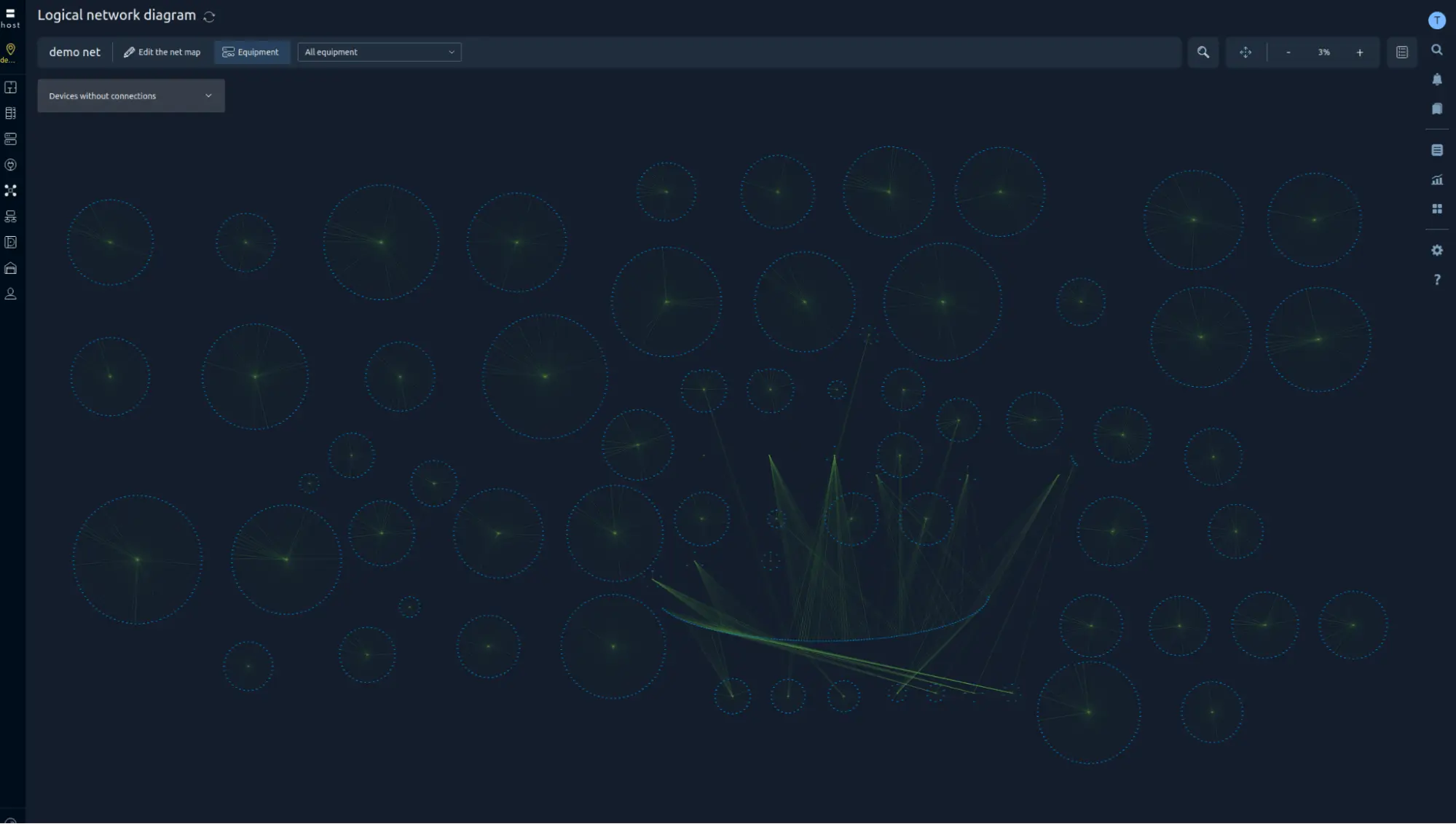
The network diagram also simplifies infrastructure planning. Simply enter information about a new connection for the equipment – it will immediately appear on the general diagram. This allows for real-time monitoring of changes and the pre-design of network connectivity, such as the organization of connections between servers in different computer rooms.
The network diagram is especially useful for data center dispatchers, who need to see the overall picture of connections and quickly respond to incidents. In addition, network administrators can pre-assess the connectivity of required nodes and plan the optimal network configuration.
When a failure occurs, you no longer need to manually check each switch and individual port. Connection statuses are displayed on the diagram and highlighted with color – problem areas are identified in seconds.
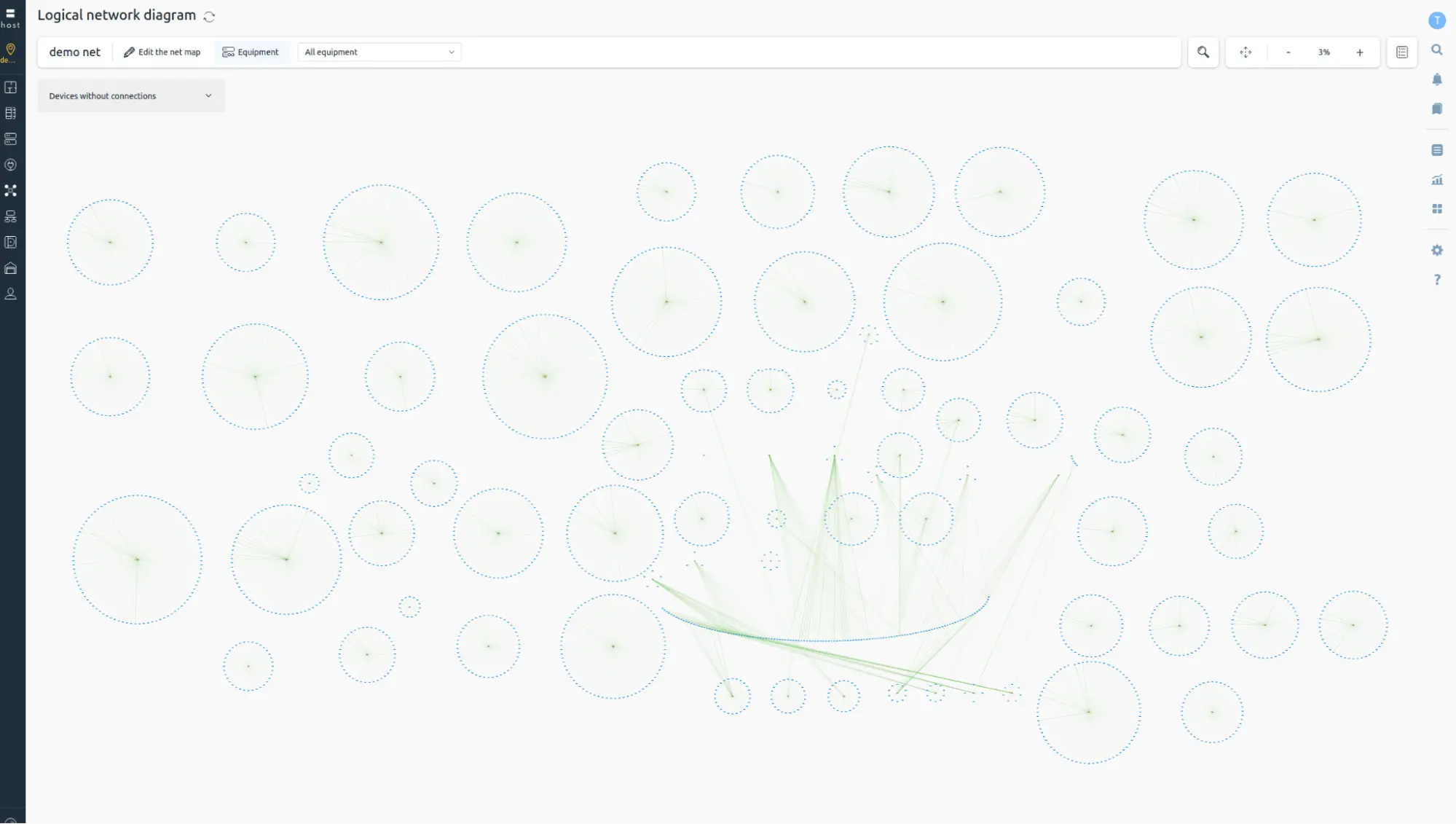
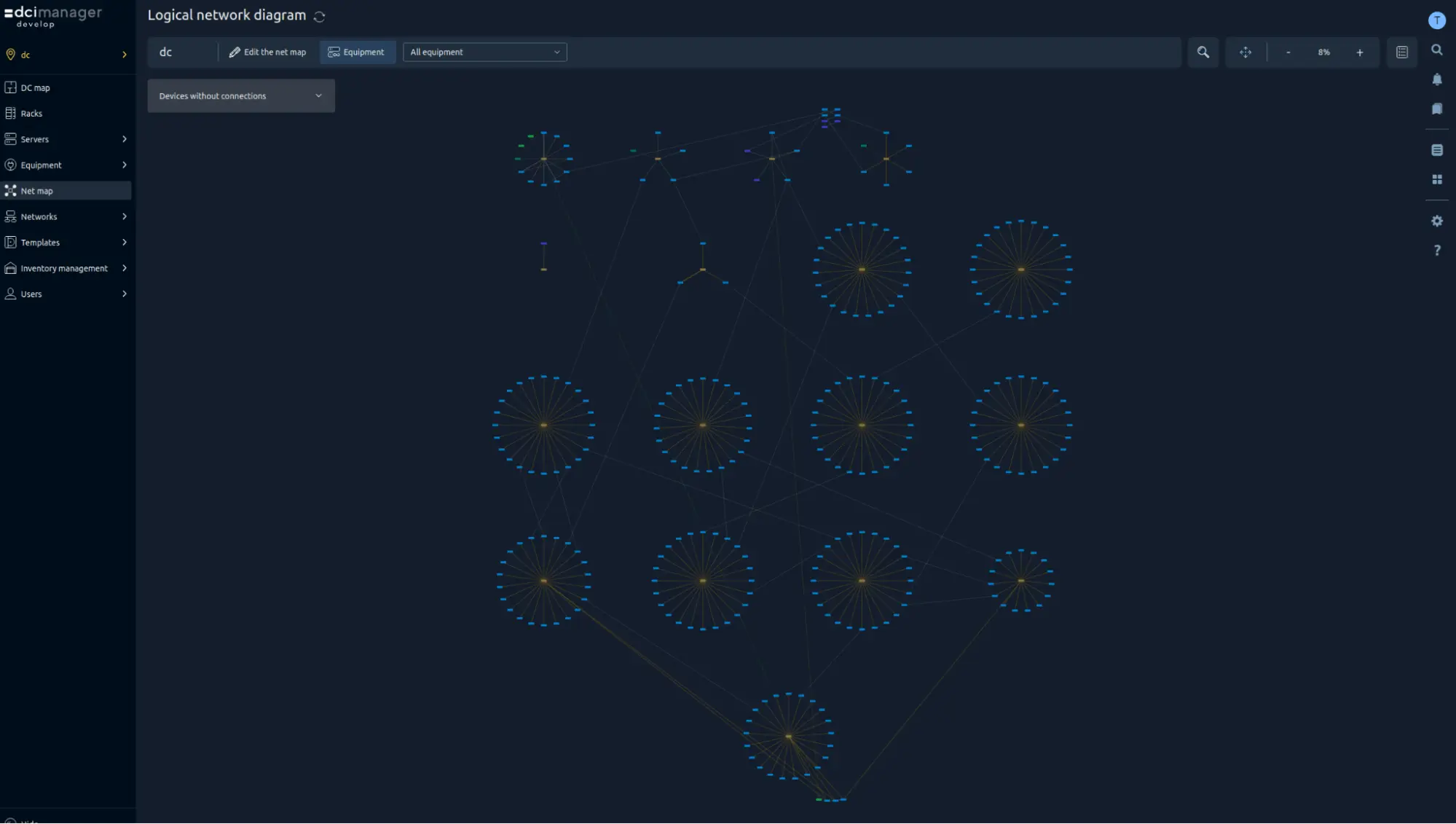
For more information about configuring the network diagram, refer to the documentation:


