

Network diagram in DCImanager: full control of equipment connectivity
DCImanager's capabilities for controlling network connectivity in data centers
Key features

Rapid response to incidents
The system helps localize the point of failure, relieving data center managers from manually checking switches and ports

Planning accuracy
Planning network connections from diagram to cabling

Network connectivity control
Building an interactive logical diagram of connections between servers, switches, data storages, and power supply equipment

Color indication of links
Highlighting problem areas on the diagram to instantly assess the status of network connections
How network diagram works
The connection map in DCImanager is built dynamically based on data from equipment cards. The administrator can switch between display layers for different tasks: check devices in a specific VLAN, evaluate the overall connectivity diagram of switches, or display only the BMC and PDU control connections.
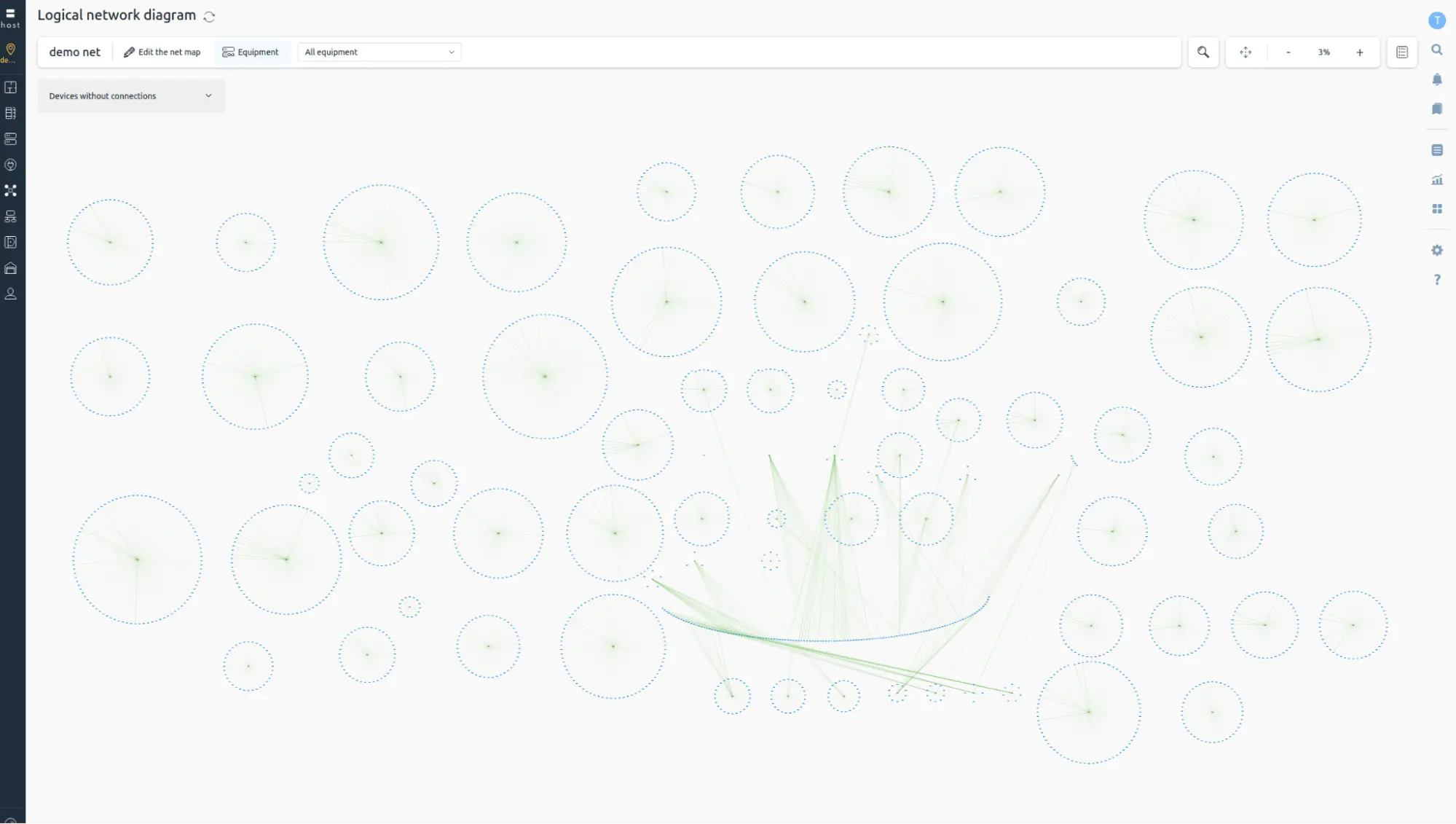
Complete connection diagram in one window
The network diagram provides an overall link topology in a single interface. The administrator immediately sees the overall picture, which helps:
- Assess the status of connections in the data center.
- Monitor changes in network connectivity.
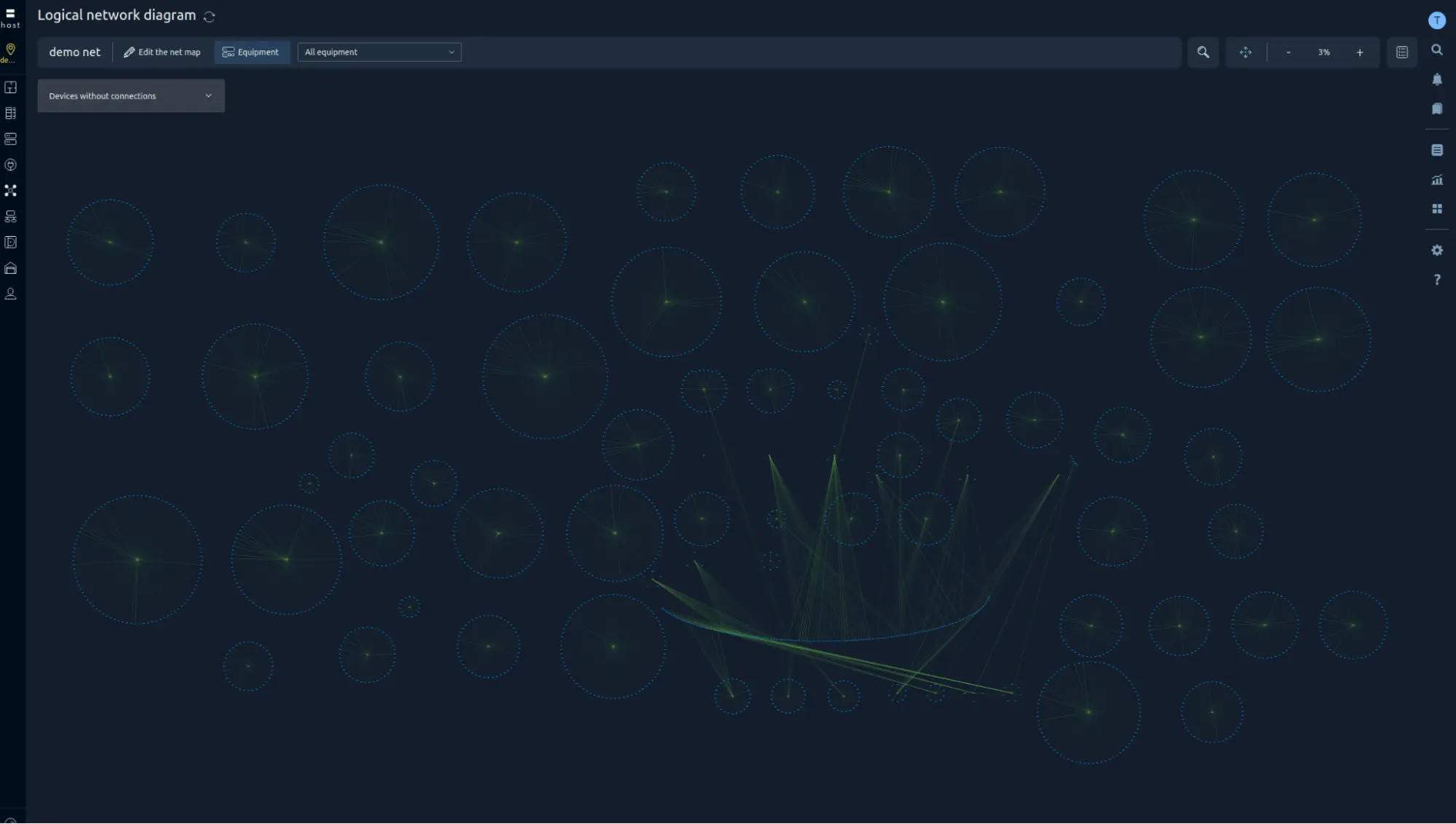
Immediate response to incidents
Connection statuses are displayed on the diagram and highlighted with color – problem areas are identified in seconds. This helps the dispatcher quickly localize failures, and also eliminates the need to manually check each switch and individual port during incidents.
A ready-made tool for data center dispatch services
The network diagram is especially useful for data center dispatch services where it is important to see the overall picture of connections.
Scaling, interactive navigation, and quick search by name or ID allow the monitoring team to instantly focus on the desired equipment or logical network segment and assess its status.
Planning accuracy for administrators
DCImanager simplifies infrastructure planning. Network administrators can pre-design the optimal network configuration and assess node connectivity, for example, between servers in different computer rooms. Simply enter data about the new connection into the equipment card – and it will immediately appear on the general diagram.
FAQ
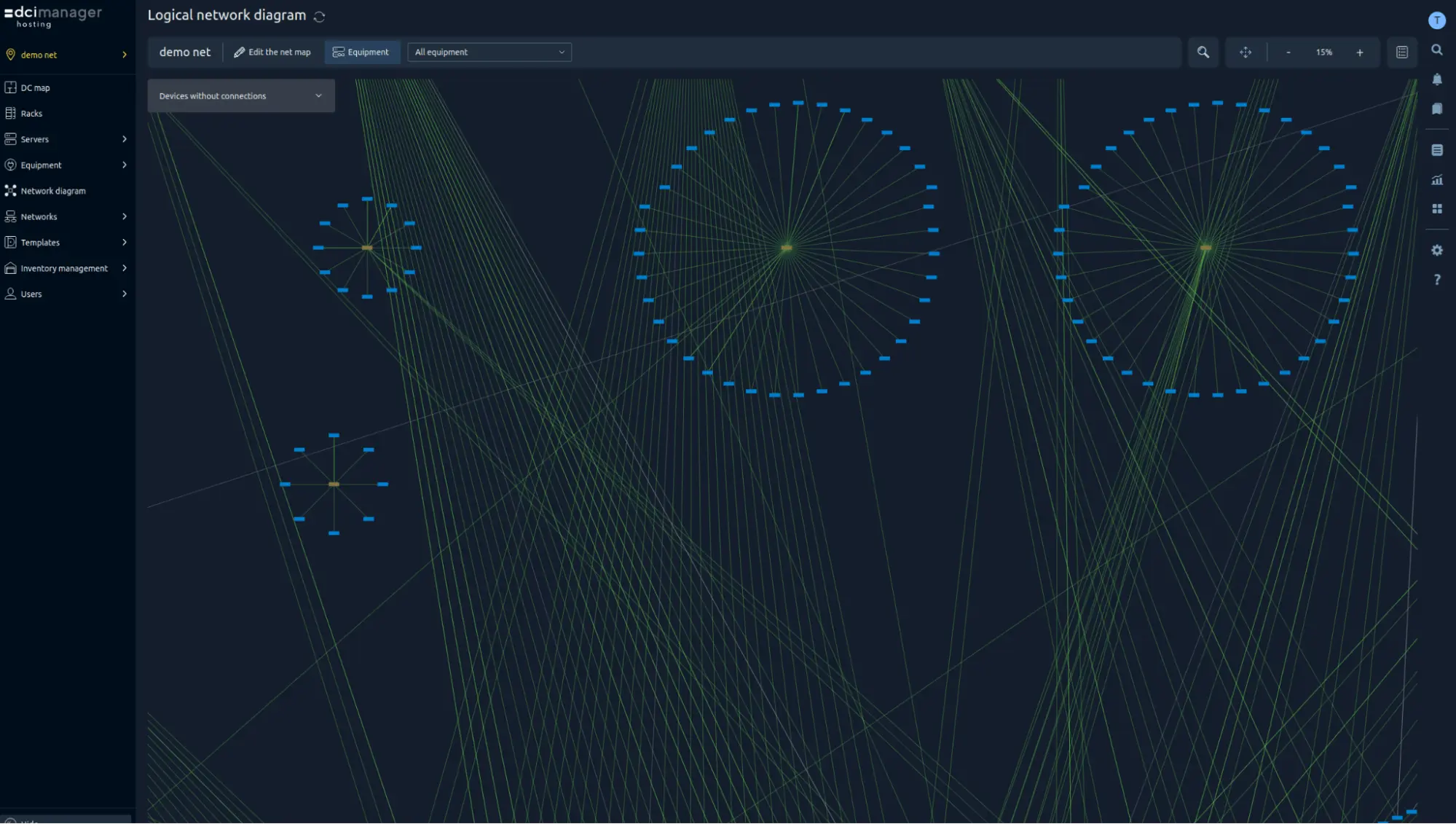
Is it possible to view information about different equipment units on the network diagram?
- name, type and ID of the device;
- information about the location in the rack or chassis;
- connections grouped by status and equipment types;
- IP addresses.
Is it possible to change the location of equipment on the network diagram?
How do I filter devices on the network diagram?
How do I add a new device to the network diagram?
management
platforms
Get demo access to experience ISPsystem LTD solutions in action:
- Try the user-friendly interface designed for users with varying technical skills
- Explore automation, monitoring, and billing capabilities
- See how ISPsystem LTD solves IT management challenges and optimizes costs