


We continue to develop physical infrastructure accounting tools in DCImanager. In the new version, we have added two related features that will help you plan inventory placement in racks more accurately and use available space more efficiently.
– Installing inventory from the front and the back of the rack. Now you can consider how the inventory will be placed in the unit – whether it will occupy the entire depth or will be installed only on the front or the back side. This information is displayed on the rack card and is used to plan the placement.
The new feature is useful in scenarios where:
- the inventory is compact, and one unit accommodates devices on both sides to save space;
- it is important to consider the side of the inventory installation for correct installation, maintenance and accounting of air flows;
- only a part of the unit is leased, while the other side is free.
Integration with internal unit leasing accounting systems occurs via an API.

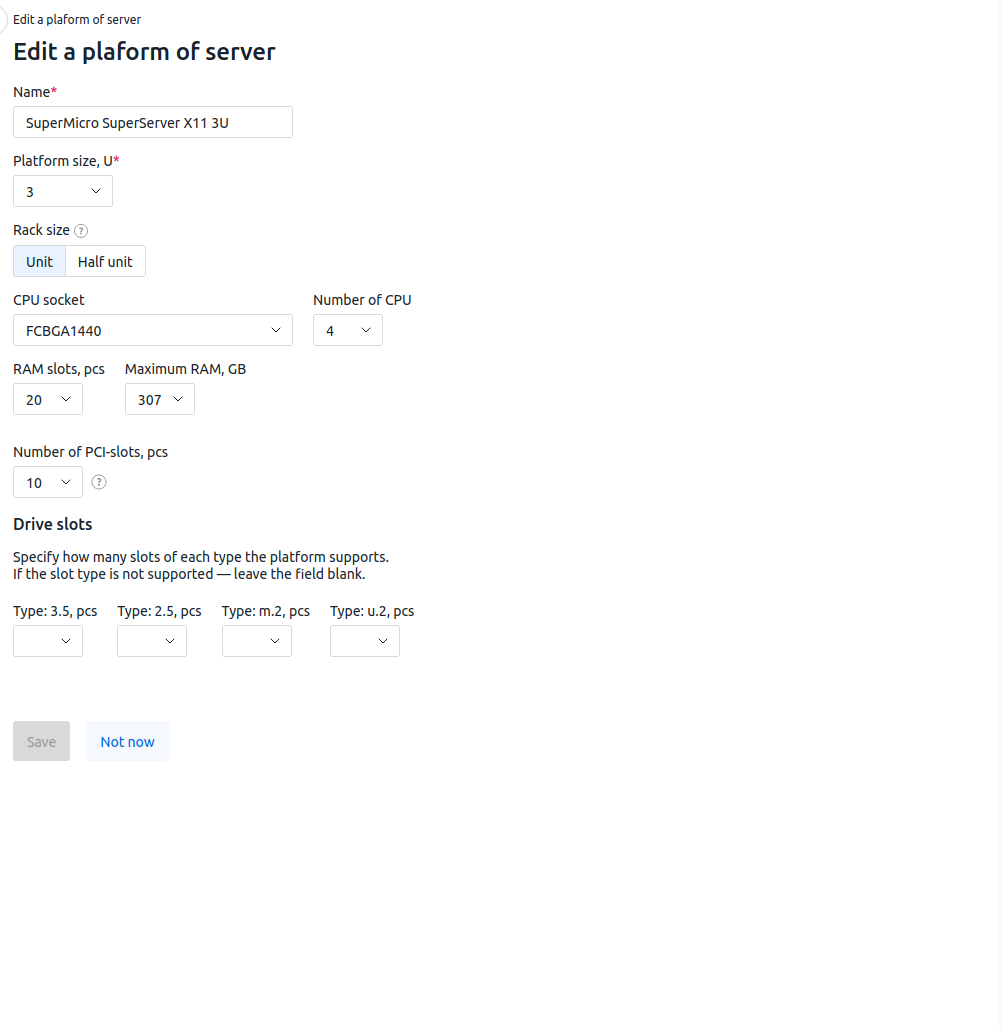
– Indication of inventory weight. It is also possible now to specify the weight of each device in operation, the rack itself, and in the platform reference books. This allows us to calculate the total weight of inventory and promptly predict potential overloads, as well as accurately plan installation, replacement, and addition of new devices.
In the upcoming releases, we are planning to display weight information on the data center map. This will help you visually monitor the load, rationally plan the placement of racks in the inventory room, or redistribute inventory if necessary.


