En
En
 Es
Es
This is the documentation for the deprecated product BILLmanager 5. It is no longer updated and may be irrelevant. Documentation for the current version of BILLmanager can be found in the BILLmanager 6 section.
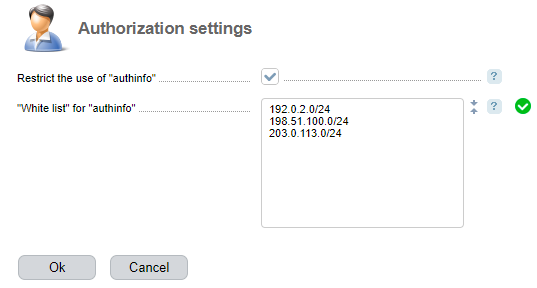
You can allow authorization in the control panel via the "authinfo" parameter only for certain IP-addresses and/or networks. Read more in Guide to ISPsystem software API.
To enable restrictions:
- Enter Settings → Authorization settings.
-
Enable the Restrict use of authinfo option.
Note.Restrictions apply to all panel users. - In the "White list" for "authinfo" use, add the IP-addresses and/or networks from which authorization is allowed.
- Press Ok.